
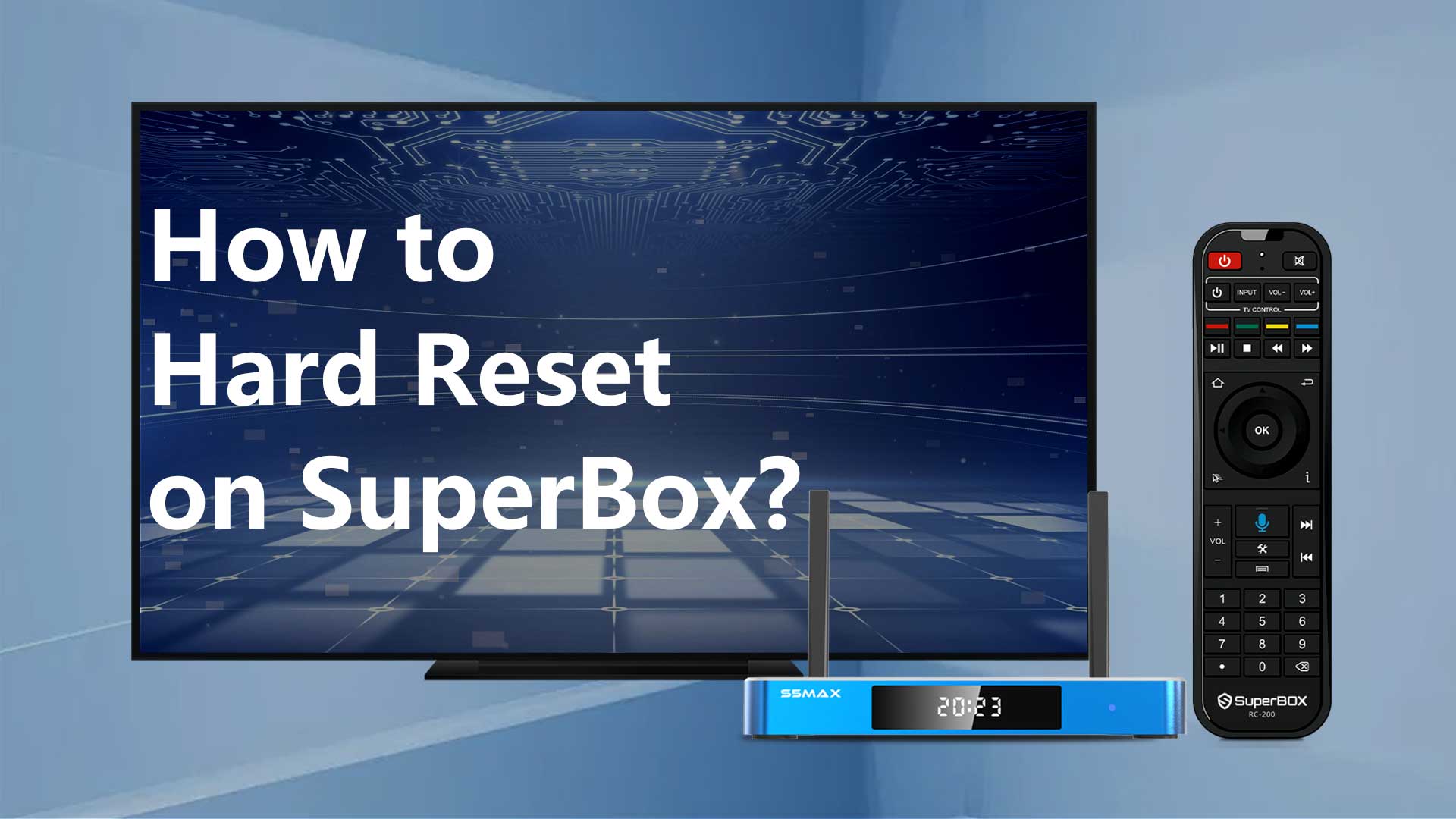
If any issues arise with your SuperBox, performing a factory reset can typically resolve the problem.
Method 1: Accessing the Factory Reset settings
Usually, accessing the Settings icon allows you to navigate to the Settings page.
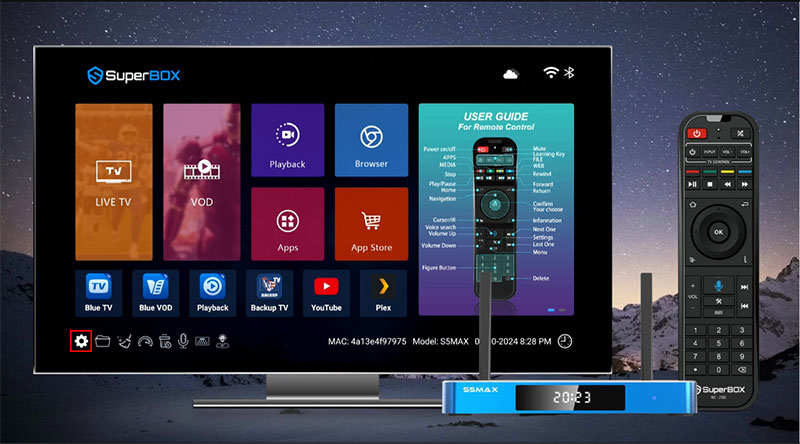
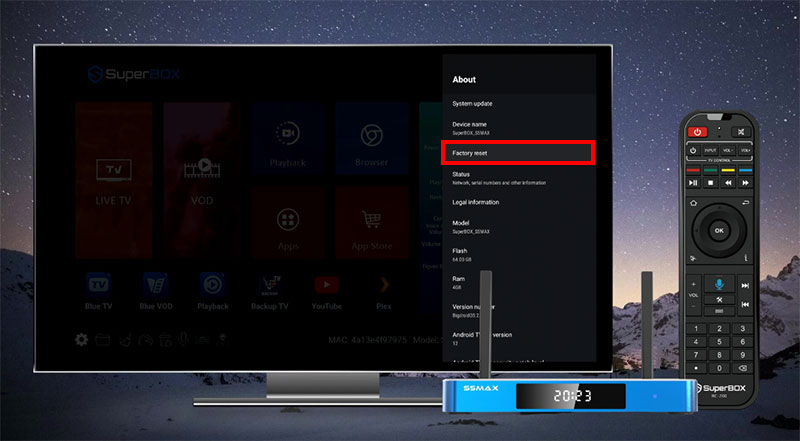
From there, proceed to Device Preferences, then About, and finally initiate the Factory Reset, confirming the action when prompted.
Method 2: Press the Code to do a Hard Reset
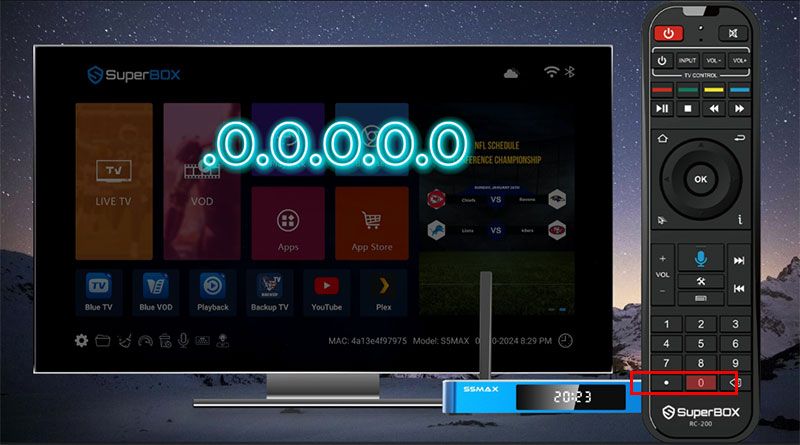
However, if you’re unable to access the Settings page, an alternative method for a hard reset on your SuperBox is available.
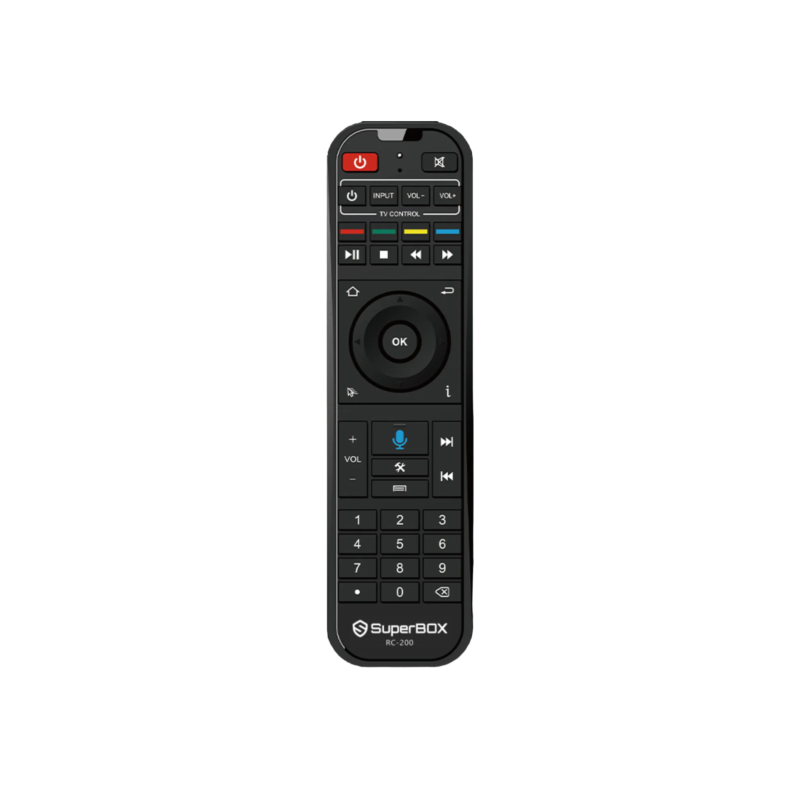
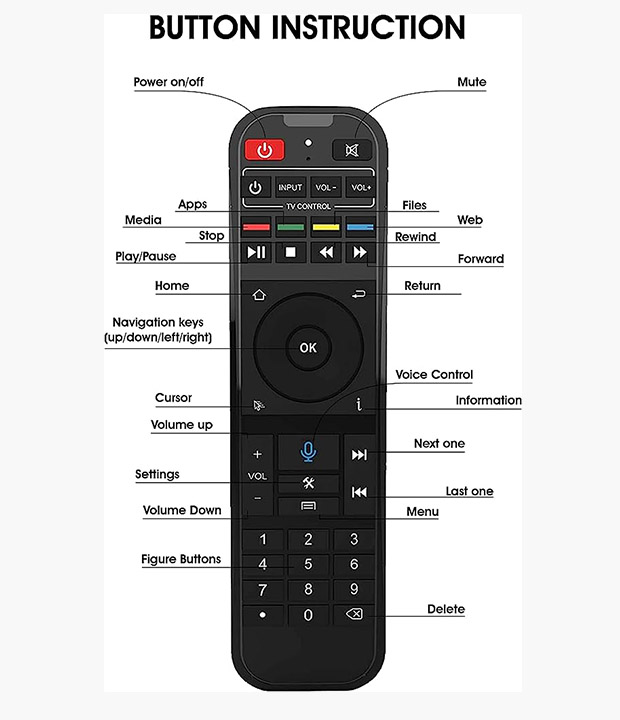
Simply navigate to the Home Screen, press the Dot and figure Zero five times in a row, which is typing “.0.0.0.0.0” on your remote control, triggering an automatic hard reset.
RELATED POSTS
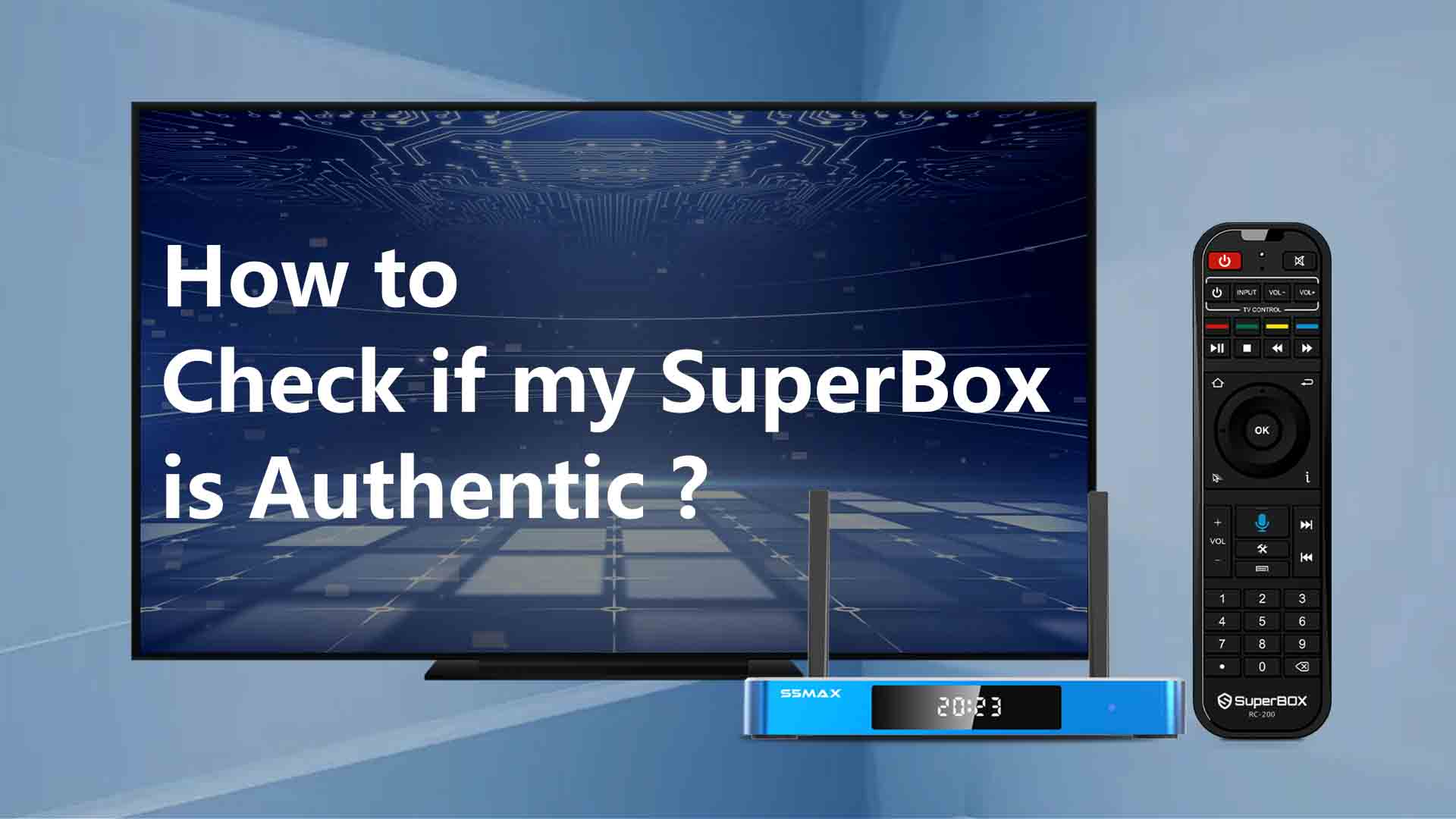
How to Check SuperBox Streaming Box Authenticity?

SuperBox has continuously delivered the best IPTV boxes and services over the years, staying true to our promise: offering lifetime ser...
How to Turn On/Off Subtitles on SuperBox?
SuperBox offers closed captioning functionality on the Blue VOD app, with English and Spanish subtitles available. Works with all movie...
How to troubleshoot if Blue Apps not appearing on SuperBox?
Important update: February 19, 2025
Important notice: If the SuperBox App Store does not appear, please enter the website address: &...

How To Set Up SuperBox S5 Max?
The best tutorial on how to set up the SuperBox S5 Max in 5 minutes. The step-by-step manual you can learn easily.