
Important update: February 19, 2025
Important notice: If the SuperBox App Store does not appear, please enter the website address: <123.32158.cc> in the browser to manually download the App Store. Our tech team still need some time to fully fix it.
Here is a simple guide to download the App Store manually<https://youtu.be/pzXj-vicBRQ>
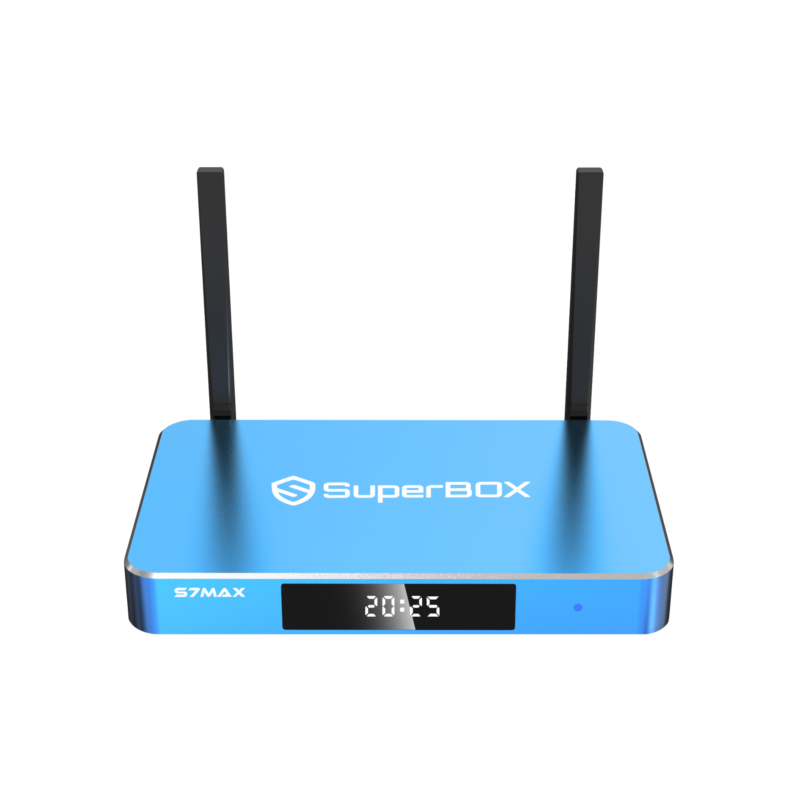
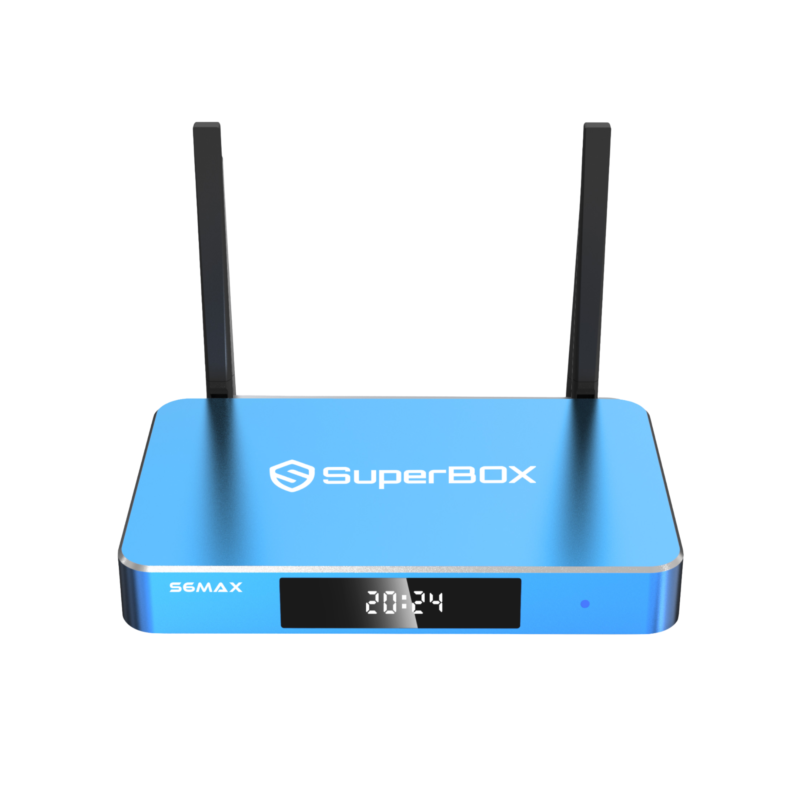
The SuperBox boxes takes safety concerns to the next level. When users receive the box, the App Store and Blue Apps are hidden.
Step 1: Connect Internet and check internet status
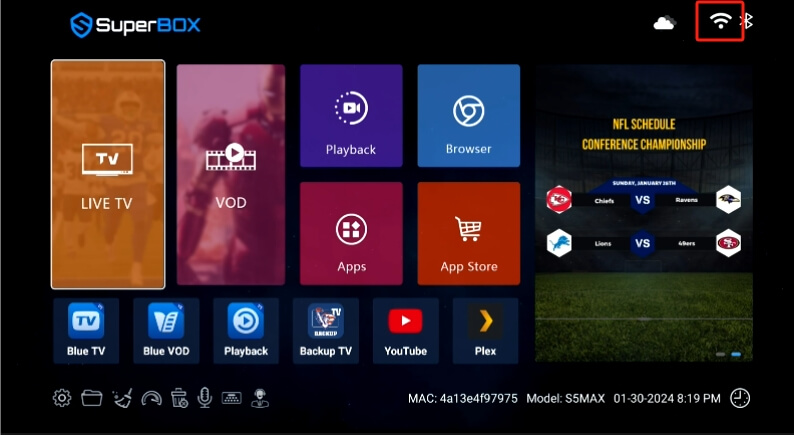
Firstly, ensure that you have already connected to the internet via WiFi or Ethernet. You can check the network status in the top-right icon.
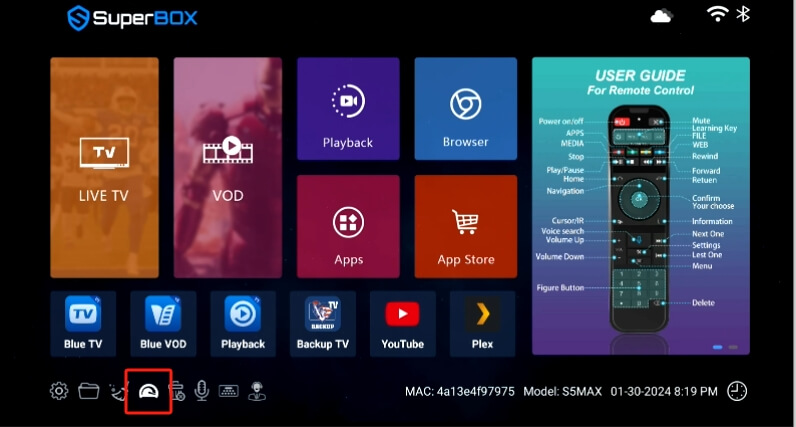
And you can also click the “Speed Test” icon at the bottom of the home screen.
Step 2: Go to App Store and Wait a few seconds
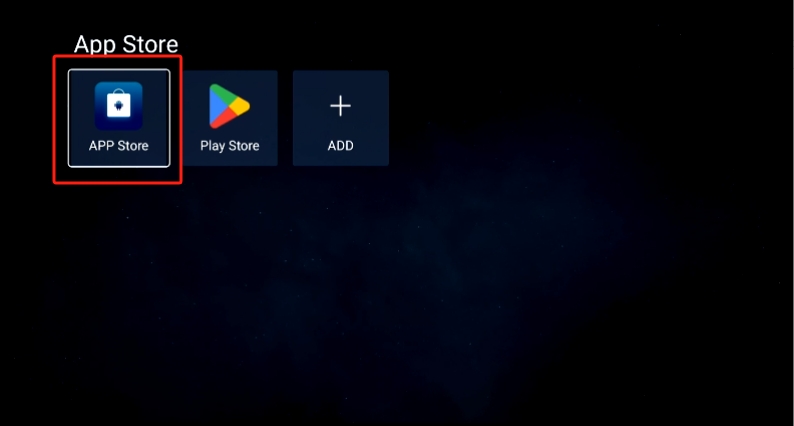
Click the App Store on the home screen, and wait a few seconds until the exclusive app store shows up, click to install it
Troubleshoot
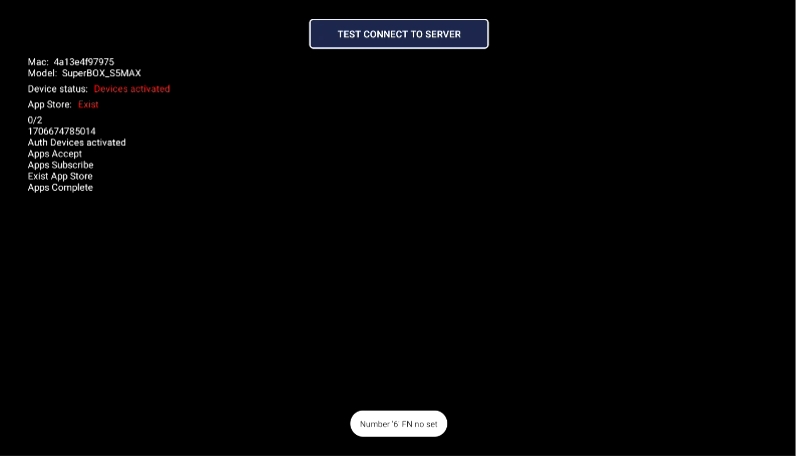
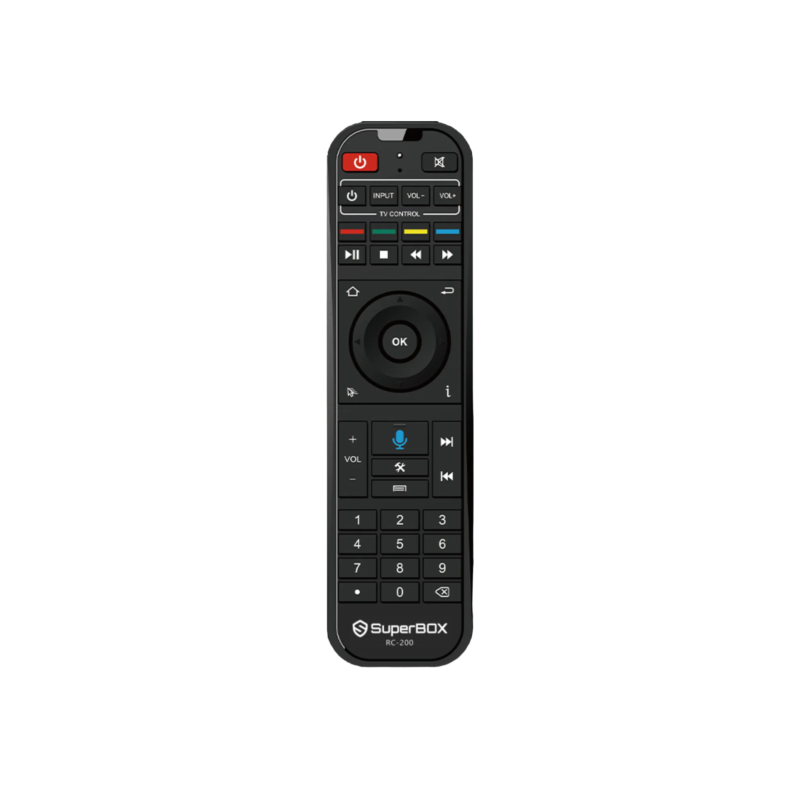
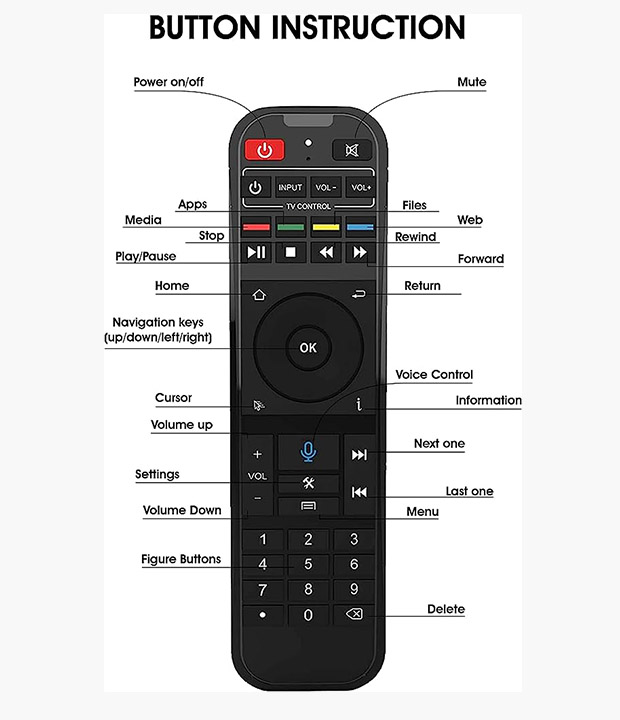
If the App Store not showing up for a long time, go back to the home screen. Long press the Number 6 button on your remote until the diagnostic screen shows up, take a picture and send it to us.